Base64 Converter – Free Online Encode & Decode Tool
The Base64 Converter is a simple, fast, and reliable online tool that allows you to encode text into Base64 or decode Base64 back into plain text. Whether you are a developer working with JSON, a cybersecurity expert analyzing authentication tokens, or just someone who needs to safely encode text for email or storage, this tool provides an easy solution. Completely free to use, our Base64 converter is designed for efficiency, accuracy, and convenience.
🔎 What is Base64 Encoding?
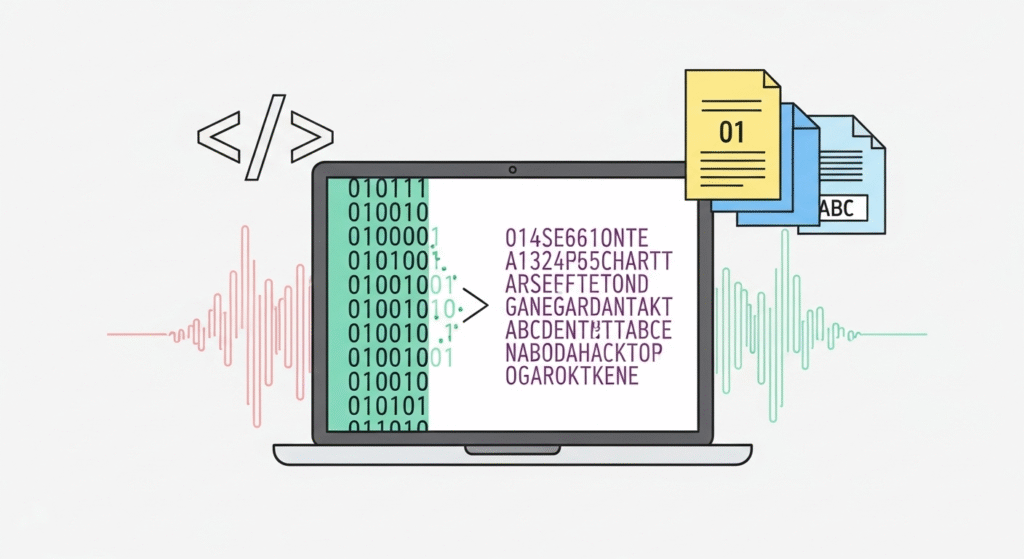
Base64 is a binary-to-text encoding scheme that converts data into a string of ASCII characters. It is often used when transmitting binary data (like images, files, or encrypted text) over channels that only support text formats. Base64 ensures that the data remains intact without modification during transport. For example, email systems, JSON payloads, and web APIs often use Base64 encoding.
⚡ Why Use Our Base64 Converter?
While many programming languages provide Base64 functions, not everyone wants to open a coding environment just to encode or decode text. Our Base64 Converter saves you time by giving you instant results online. It’s especially helpful when working with authentication tokens, file encodings, or when troubleshooting API requests.
Key Features:
- ✅ Encode text into Base64 instantly
- ✅ Decode Base64 back to plain text
- ✅ Secure & private – nothing is stored on our servers
- ✅ Copy results with one click
- ✅ Free and unlimited usage
🛠️ How to Use the Base64 Converter
- Enter Text: Paste your text or string into the input box.
- Toggle Mode: Choose whether you want to encode or decode.
- Get Result: Instantly see the output in the result box.
📚 Common Uses of Base64 Encoding
- Email Attachments: Base64 ensures binary files like images can be safely transmitted via email protocols.
- Web Development: Embedding small images directly into HTML or CSS as Base64 strings.
- APIs & Authentication: Many API tokens and JWTs include Base64 encoded data.
- Data Storage: Safely storing binary data in text-based databases or JSON objects.
- Cybersecurity: Inspecting or debugging encoded payloads.
💡 Example of Base64 Encoding
Suppose you want to encode the word Hello into Base64. The output will be:
Hello → SGVsbG8=
If you decode SGVsbG8= back, it becomes Hello again.
🔐 Is Base64 Secure?
It’s important to note that Base64 is an encoding method, not encryption. This means Base64 does not make your data secure; it only transforms it into a readable text format. Anyone can decode Base64 data back into its original form. If you need to protect sensitive data, you should use encryption (e.g., AES, RSA) instead of just encoding.
📈 Why Developers Love Base64
Base64 is extremely popular in programming because it ensures binary data can be handled in systems that only work with text. This makes it essential for web development, APIs, and secure communications. With our Base64 Converter, developers don’t need to open a coding IDE every time they need to encode or decode—just paste and go!
❓ Frequently Asked Questions
1. What is Base64 used for?
Base64 is used to safely represent binary data (like files or images) as text so it can be transmitted over systems that only support text.
2. Is Base64 encryption?
No. Base64 is only an encoding method. It doesn’t provide security—just data representation.
3. Can I use Base64 for passwords?
No. Storing passwords in Base64 is insecure. Always use hashing (like bcrypt, SHA-256) for passwords.
4. Why does Base64 end with “=”?
The = character is used as padding to ensure the encoded data length is a multiple of 4 characters.
5. What are some alternatives to Base64?
Alternatives include Hexadecimal (Base16) and Base32 encoding, but Base64 is the most widely used standard for web and data transfer.